Table of Contents

Understanding Virtual Machine Backup
Virtual machine backup is like a safety net specially designed for your digital workspace. It protects the entire VM - that’s all your files, settings, and the ever-changing data that keeps your virtual world ticking. Think of it as having a backup plan that’s just as reliable as those traditional backups you use on physical servers, but tailored for the virtual scene.
There are a few backup styles in the VM world. You can opt for a full backup, copying everything as a snapshot at a moment in time. Or, pick incremental backups that only save the changes since the last backup, making the process quicker and lighter. Differential backups fall somewhere in between, capturing changes since the last full backup. Each method has its perks depending on your speed and storage needs.
The key is to keep backups running regularly and automatically. Virtual machines tend to change fast and often - new files, updates, config tweaks - so Rabata’s VM backup solutions are designed to work frequently without causing any traffic jams in your virtual environment. Thanks to clever features built into hypervisors, these modern backups happen faster and smoother, letting your VMs hum along without interruptions.
How Virtual Machine Backup Works: A Step-by-Step Guide
Backing up virtual machines might seem like juggling invisible objects, but it’s actually a well-oiled process that keeps all your VM data safe and sound. Much like backing up physical servers, VM backup involves safeguarding everything connected to the virtual machine - its files, settings, and attached storage. The approach can differ: sometimes there’s a backup agent quietly running inside the virtual machine’s operating system, other times the hypervisor steps in to handle backups without any agents involved. No matter the method, the key is a smooth sequence of steps that ensure your data isn’t just saved - it’s protected like a treasure.
First up is discovery. Before you back up, you have to know what’s on the playground. The Rabata cloud storage system intelligently scans your environment to find all your virtual machines. It’s like a digital detective that leaves no VM undiscovered. Next, each virtual machine needs its own profile - a dedicated client computer entry. Think of it as giving each VM its own backstage pass to the backup show.
Once every VM is recognized and logged, you decide who’s on the VIP list. Mark the virtual machines that require protection and assign Virtual Server Agents to handle their backups. These agents are the tireless workers transferring data, making sure every byte is accounted for. Meanwhile, you identify all the disks connected to those marked VMs - because backing up a VM without its disks would be like saving a book without pages.
Backup streams then come into play. Rabata coordinates these streams to run through proxy servers in a smooth round-robin fashion, avoiding traffic jams and speeding up the process. Once the streams are set, virtual server agents get down to business, downloading backup data efficiently. A critical move happens next - snapshot creation. Using the hypervisor’s API, a snapshot freezes the VM’s state at a moment in time. It’s that simple flash that guarantees consistency without interrupting your services.
Finally, the backup process wraps up by securely storing the snapshot and its data copy in a separate location within Rabata’s protected cloud. This offsite save is like locking your valuables in a distant safe, ready to be retrieved in a pinch. The entire VM backup dance works together seamlessly to give you peace of mind, knowing that no matter what, your virtual machines are guarded and ready to bounce back.
How Rabata Runs Backup Clients Inside Virtual Machines
In some cases, the backup client lives inside the virtual machine itself, acting like a stealthy guardian that knows exactly what needs saving. This approach allows for detailed, file-level backups and ensures that data consistency is maintained at the operating system level. Thanks to Rabata’s smart integration, running the backup client inside a VM means minimal performance impact and maximum security - so your virtual machine keeps humming along happily while the backup magic happens behind the scenes.
How Rabata Manages Backup Clients on the Host Machine
Alternatively, Rabata can run the backup client directly on the virtual machine’s host server. Think of it as the control tower overseeing the whole fleet. This agentless method leverages the hypervisor’s capabilities to capture snapshots and manage backup without installing anything inside each VM. This reduces maintenance hassle and lets you handle multiple VMs from a single point, cutting down on complexity while ensuring all your machines are covered. It's a neat trick that saves time and keeps your resources focused where they’re needed.
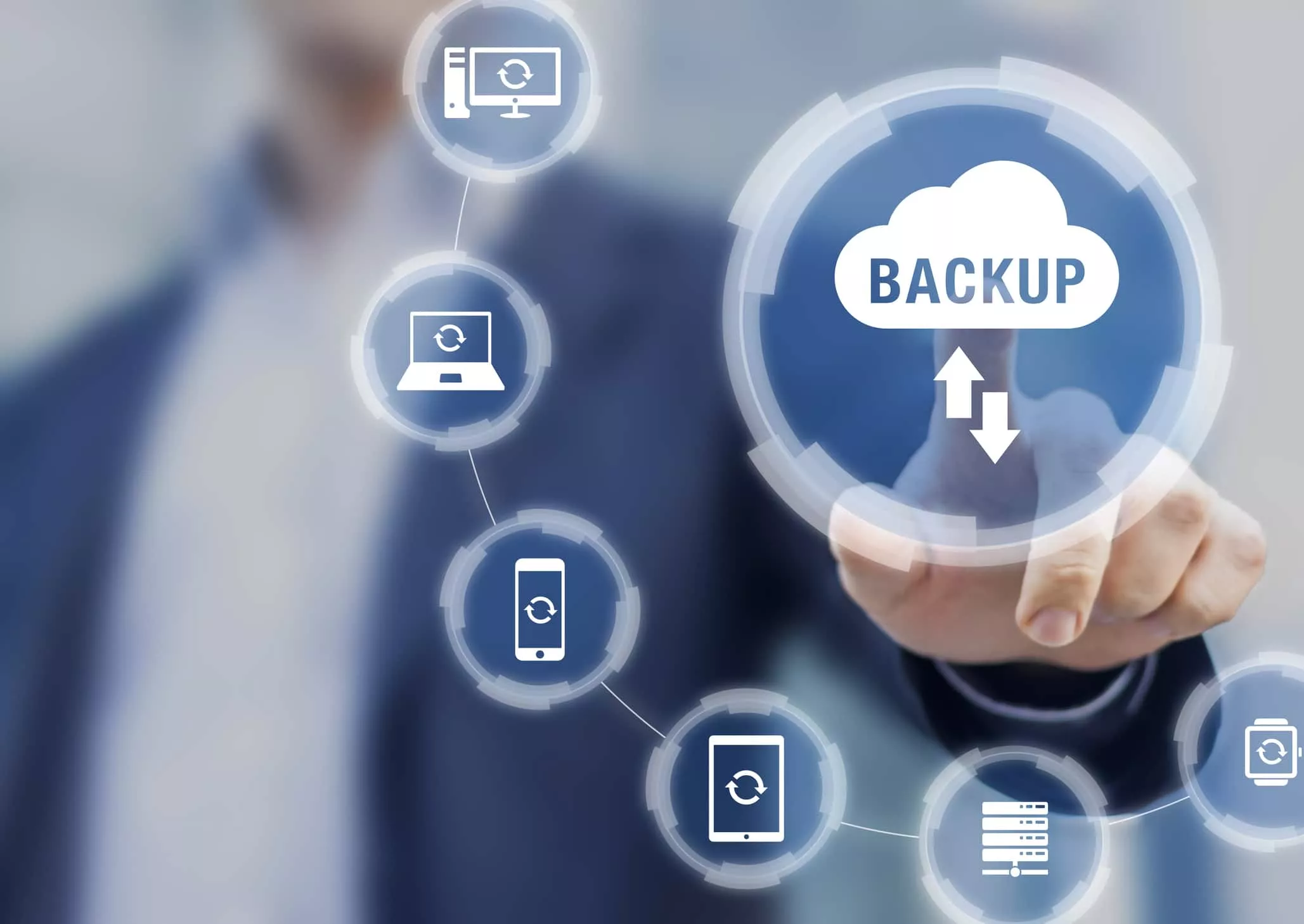
Secure Your Virtual Machines on Both Hyper-V and VMware
Boost Your Backup Strategy with Cloud Storage
NovaBACKUP Cloud offers a reliable offsite vault for your data, acting as a safety net beyond your physical and virtual backups. Whether you're running Hyper-V or VMware, this all-in-one solution ensures your virtual machines have a second home in the cloud, ready to spring into action when disaster strikes.
Think of it as a digital insurance policy that guards your valuable information against accidental deletion, hardware breakdowns, theft, ransomware, and even Mother Nature’s mood swings. Cyber attacks are more frequent and cunning than ever, so relying on a single backup isn’t just risky-it’s a gamble. With NovaBACKUP Cloud, your data is distributed and protected across multiple locations, saving you from the horror of ransom demands and the loss of crucial files.
Comprehensive SQL and Exchange Backup Included
The NovaBACKUP Server Agent isn’t just about covering your virtual machines; it’s your all-in-one guardian for physical Windows servers and any virtual machines running Microsoft SQL or Exchange. No extra fees, no extra plugins-just straightforward protection for your databases baked right in.
With local and cloud backup options baked into the Server Agent, your virtual machines, Windows PCs, servers, and applications all get consistent, hassle-free backups. It’s the kind of simplicity and thoroughness that makes IT pros smile, knowing their critical data is safe no matter what.
Reliable Endpoint Backup for Remote Teams
In today's world, your team's laptops and desktops travel as much as they do. Endpoint backup solutions at Rabata step in to keep all that valuable data safe, no matter where your employees log in from. Whether it's a quick coffee shop sprint or a full-day work-from-home marathon, we’ve got the backups covered.
It's not just about storing data. Rabata’s endpoint backup protects against accidental deletions, hardware failures, and unexpected system crashes. This means your team can focus on work without sweating losing their files. Because when the unexpected happens, it’s better to be prepared than to frantically call IT.
Virtual Machine Backup Explained
Virtual machine backup, or VM backup, is exactly what it sounds like: making a safety copy of the virtual machines that power your business’s digital world. These virtual machines don’t live in isolation; they run on hypervisors, special software that tricks multiple operating systems into thinking they each have their own physical computer. Thus, one physical server hosts many VMs, making resource use efficient and flexible.
In the bustling world of virtualization, VMware vSphere and Microsoft Hyper-V are the reigning champions, though cloud-based hypervisors are steadily gaining ground. No matter the platform, the need to keep these virtual environments safe is non-negotiable. Think of VM backup as an insurance policy for the virtual machines running your critical business apps, databases, and containerized workloads - all generating mountains of data that simply cannot afford to disappear without a trace.
Enter Rabata, the secure cloud storage wizard ready to safeguard your data with zero drama. Rabata's VM backup software doesn't just copy files; it captures entire virtual machines, making recovery swift and painless. With Rabata by your side, the headache of lost data is a thing of the past. You get robust, reliable protection designed to handle the complexity of modern virtual environments, so your business keeps running smoothly no matter what.
User feedback and support
Did you find this page useful? We want to know if the information helped you or if something was missing. Your feedback is the heartbeat of Rabata's secure cloud storage - it helps us improve and keep things running smoothly.
If you hit a snag or something isn’t crystal clear, don't panic. Rabata's support is ready to jump in and help you navigate any tricky spots without making you feel like you’re deciphering ancient code.
Curious about a feature or need a nudge in the right direction? Try using Ask Learn, our interactive guide that’s designed to make complex topics feel like a friendly chat. It’s like having a tech-savvy buddy who never gets tired of answering questions.


Comments